A real security alert can carry a scam number. Verify it independently
A Reddit user described attacker-written text appearing inside an authentic-looking Google security email. Here is what is known, what remains unverified, and how to check alerts safely.
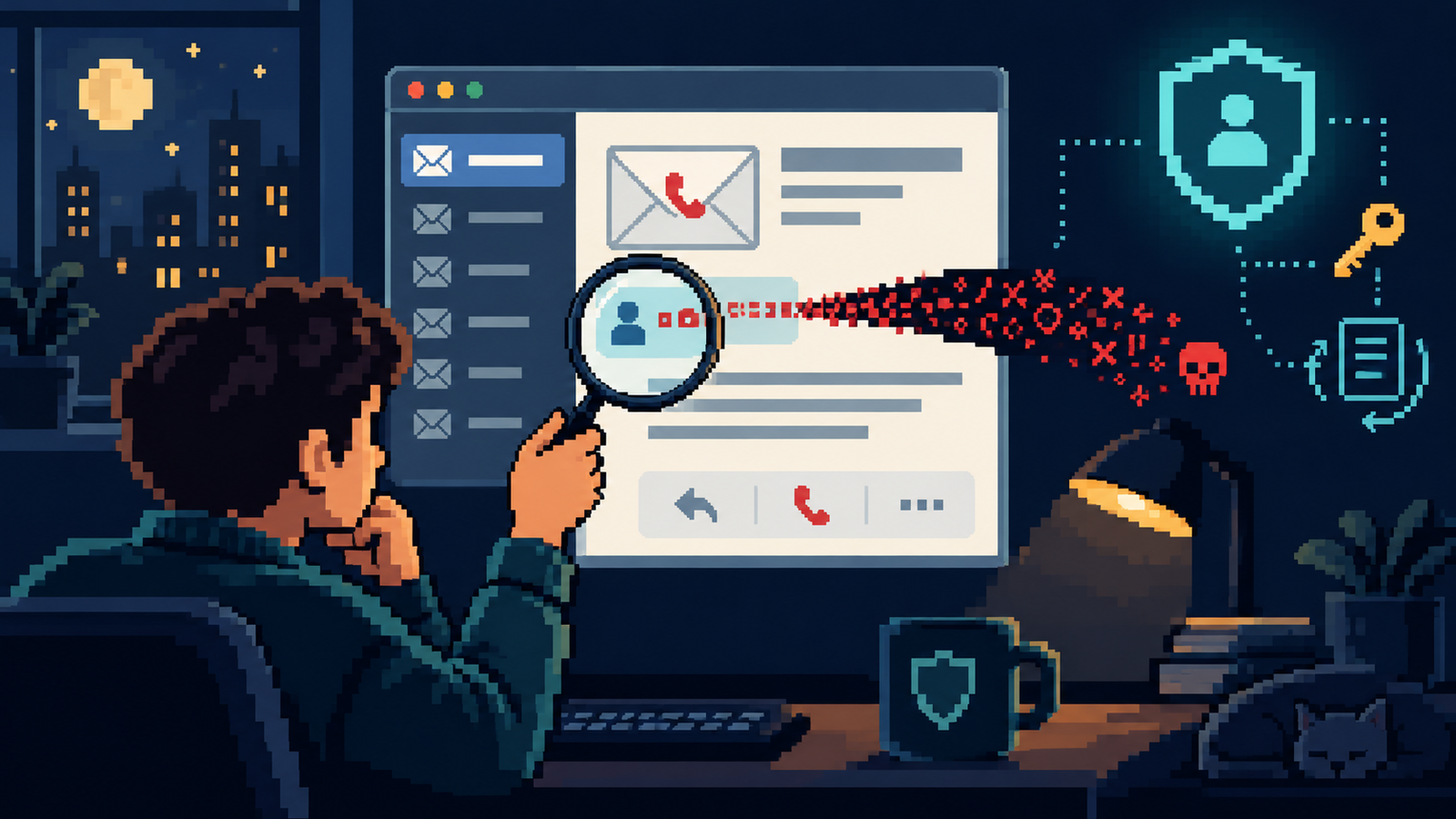
A Reddit user described a security email that appeared to come from Google but contained a phone number planted through a free-text app name. The incident is a useful reminder: a genuine sender does not make every sentence trustworthy.
Security advice often teaches people to inspect the sender, look for misspellings, and avoid unfamiliar links. Those checks still matter—but a recent report shows why they cannot be the whole test. In a post shared to r/Scams on October 6, 2026, a user said a Google account security notification included a fake “contact support” phone number. The writer traced the wording to an attacker-controlled app-password name that was inserted into a notification. The post includes the author’s own test of the message format. It is a detailed first-person report, not an independent confirmation from Google, so it should be read as a reported incident rather than proof that all such alerts are vulnerable.
The broader lesson is already familiar to security teams: attackers can sometimes place their text inside a message, page, invitation, or notification that otherwise comes from a real service. The dangerous ingredient is not necessarily a forged sender. It may be untrusted text carried by a trusted system.
What the reported sequence looked like
According to the Reddit post, the attacker first added the user’s email address as a recovery option on an account the attacker controlled. The account then generated an app password. The author reports that the app-password name could be written as a sentence urging the recipient to call a support number; that value was then reflected in an automated Google email. The writer says the recovery email was removed shortly afterward. The post’s claim about how the sequence worked comes from that individual’s account and test, and Google has not been cited as confirming this specific incident.
Even with that caveat, the design pattern is important. Many systems let people choose names for devices, connected apps, calendar events, payment references, shipping labels, or shared files. If a service repeats that text in a notification, a reader may see attacker-written words beside official branding and mistake the whole message for an official instruction.
Why “the email came from Google” is not enough
Email authentication can help a receiving system determine whether a message came through authorized infrastructure. It does not certify that every text field quoted in the message is safe, accurate, or written by the company. A real system can relay an untrusted name, comment, invitation title, or note. An attacker may then borrow the credibility of the system that displayed it.
This does not mean that every notification is suspect or that people should ignore legitimate warnings. Google’s account-help pages recommend reviewing security alerts and checking unfamiliar activity. The safer route is to use the alert as a prompt to inspect the account—not to obey a phone number, link, or payment instruction contained in the message.
A safe way to check a surprising alert
| What you see | Safer next step | Why it helps |
|---|---|---|
| A request to call “support” | Do not call the number in the alert. Open the provider’s official app or enter its known address yourself. | You choose the channel rather than accepting one supplied by an unknown text field. |
| A claim about a new device or sign-in | Go to the account’s Security section and review recent events and signed-in devices. | The account dashboard can show whether there is an event to investigate. |
| A recovery address or phone you do not recognize | Use the provider’s official account controls to remove or correct it, then follow its recovery guidance. | It addresses the setting itself instead of routing you through a caller. |
| A link asking for your password or one-time code | Do not enter credentials from the message. Navigate to the service independently. | It avoids handing secrets to a page reached from an unverified instruction. |
| You already called or shared information | End the call, secure the account through official controls, and contact your bank or provider independently if payment or financial details were shared. | It shifts the response from discussion with the caller to account containment. |
What to review in your account
Google’s official guidance for a potentially compromised account recommends checking recent security events and the devices that use the account. If you see activity that was not yours, follow the account’s “secure account” flow. Review recovery details and sign-in methods too, because a changed recovery phone or email can make later recovery harder. If you cannot sign in, use the official recovery process rather than a person who contacted you unexpectedly.
- Check recent security events and unfamiliar devices from the account dashboard.
- Confirm that recovery email addresses and phone numbers belong to you.
- Review app passwords, passkeys, security keys, and other sign-in methods; remove entries you do not recognize.
- Change your password if there is evidence of unauthorized access, and change it anywhere you reused it.
- Check Gmail forwarding, filters, and delegated access for changes you did not make.
- Enable a strong second factor, such as a passkey or security key, if available to you.
Do not rush through every setting simply because an email sounded urgent. Instead, begin from the account’s own security page and follow the provider’s current instructions. The right response depends on what the dashboard shows and whether you actually interacted with the caller or entered credentials.
When a real notification becomes a social-engineering tool
Traditional phishing often asks people to trust a fake message. This reported case flips the problem: an attacker may try to make a trusted service deliver a message containing attacker-chosen instructions. The reader sees an official logo, familiar formatting, and a plausible security event, then focuses on the urgent phone number. That borrowed trust can be more persuasive than an obviously counterfeit email.
Similar risks can appear anywhere a platform repeats user-controlled text. A shared calendar event can include a phone number. A package-tracking message can quote a delivery note. A payment notification can include a merchant description. A document-sharing alert can display a file name written by the sender. The display may be authentic; the embedded text still needs to be treated as unverified.
For organizations, this is also a product-design lesson. Notifications should label user-supplied names as names, constrain misleading fields where practical, and avoid making a phone number look like an official support channel. Security teams can teach a simple rule: use alerts to trigger independent verification, not to select the route for help.
If you already called the number
Calling by itself does not prove that your account was compromised. If you only spoke with the person, end contact and do not call back. If you gave a password, change it through the provider’s official site and update any reused password. If you read out a one-time code, check account activity immediately and remove unfamiliar sessions or methods. If you installed remote-access software or shared your screen, disconnect that access and get help from a trusted technician using a channel you found independently. If you shared payment or banking details, contact the institution using the number on your card or in its official app.
Be alert for follow-up messages offering “recovery” for a fee. People who report incidents online can attract impersonators who claim to be support agents, investigators, or account-recovery experts. Do not give those contacts a code, remote access, or payment.
The practical takeaway
Do not judge a security alert by its sender alone. A provider may genuinely have sent the email while some displayed words were supplied by a third party. Use the message as a cue to open the provider’s account controls independently, check activity and recovery settings, and make changes only there. If an alert tells you to call a number, send money, install software, or share a code, pause and verify through a route you choose.
Related reading: how fake purchase alerts steer people into callback scams, how an “accidental report” story creates pressure, and why a familiar-looking login page still needs independent verification.