Passkeys are phishing-resistant. A fake enrollment story can still steer someone into the wrong flow
The latest cloud intrusions used passkey and SSO language as a pretext, then redirected employees into token theft or device-code authorization.
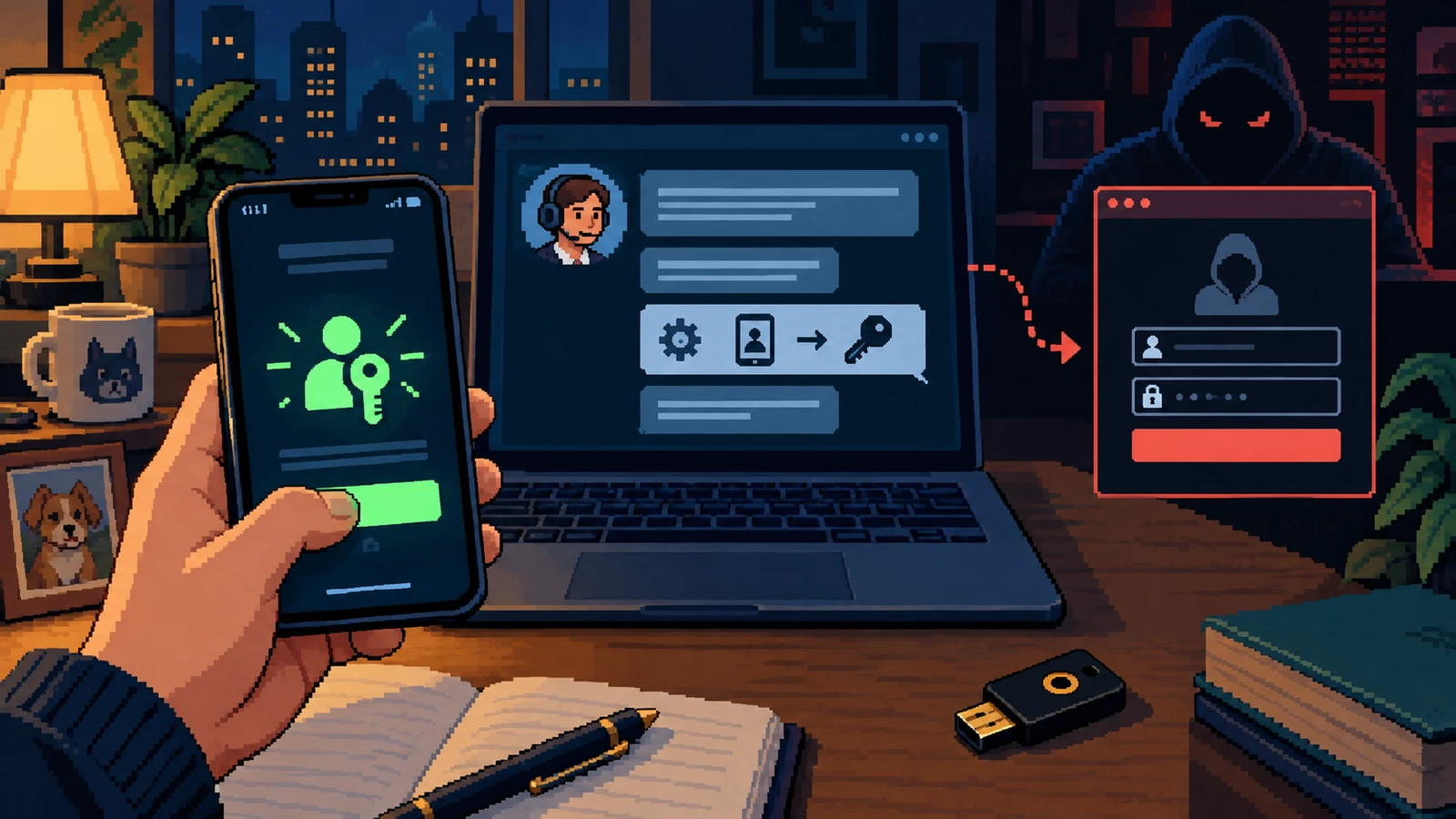
Security advice often presents passkeys as the end of phishing. The technology is resistant to familiar credential-stealing pages, but people can still be manipulated around the enrollment process. Microsoft reported active intrusions in which a caller or text claimed that passkey, MFA or single sign-on configuration had to be updated immediately. The “passkey” language was the story; the destination was often an adversary-in-the-middle page or device-code flow.
This distinction matters as organizations roll out new authentication. Employees expect unfamiliar prompts, and attackers can exploit the transition period by describing every unexpected screen as part of the upgrade. A real security improvement can therefore create a temporary social-engineering opening when communication and support procedures are vague.
What Microsoft Security Research, September 9, 2026 actually reported
Microsoft observed unusual sign-ins followed by attacker-added authentication methods, high-volume Microsoft Graph activity, SharePoint and OneDrive downloads, and email collection. The activity had been seen since May 2026. In many investigations, an employee’s memory of a personal-phone call or text was the earliest evidence because the initial lure occurred outside managed-device telemetry.
Pretext
Avoid disruption by “updating” passkey, MFA or SSO now.
Hidden objective
Authorize an attacker-controlled session or capture a token.
Durable evidence
New authentication methods, unusual sessions and large cloud-data access.
The attacker benefits when the target focuses on the security vocabulary instead of the authorization event. A page can mention passkeys while actually asking the user to approve a device code, surrender a session token or add a new method. The defensive habit is to describe what the button will authorize in plain language before pressing it.
From “Unexpected call or SMS” to “New method added”
Passkey-themed attacks cross personal and work devices. That split can hide the first message from the organization while making the later cloud activity look like a normal employee session.
| Moment | What it appears to mean | What to verify |
|---|---|---|
| Unexpected call or SMS | IT is helping with a required migration | Was the campaign announced in the company portal? |
| Link on a personal phone | A convenient setup page | Can the same task be started from known account settings? |
| Code or approval | Proof that the employee owns the account | Which device and application will receive access? |
| New method added | The upgrade is complete | Does the account now list an unfamiliar passkey, phone or authenticator? |
Security language is not evidence that a security process is genuine. The route into the process still has to be verified.
How to interrupt new method added
Employees should be able to stop an enrollment without fearing immediate lockout. A published migration window and known support route make that pause practical.
- Do not start authentication enrollment from an unsolicited call, personal text or shortened link.
- Open the organization’s account portal from a bookmark or intranet and check for the announced change.
- Read device-code and consent screens for the application and device being authorized.
- Decline any request to share a one-time code, approve an unfamiliar sign-in or add a method for the caller.
- Call the internal helpdesk through the directory and ask it to confirm the migration and ticket number.
- Record the personal-phone contact because it may be the only evidence of the original pretext.
Recovery after new method added
A password change alone may not remove an attacker-added method or revoke all sessions. Recovery should focus on the entire identity state.
- Revoke active sessions and tokens through the verified administrative process.
- Remove unfamiliar passkeys, phone numbers, authenticators and recovery addresses.
- Review sign-in logs, device-code events, mailbox rules and recent cloud-file access.
- Check whether the account sent invitations or messages to colleagues.
- Preserve the original SMS, call record and destination domain for the incident timeline.
Why “Unexpected call or SMS” can feel routine
In the sequence documented by Microsoft Security Research, September 9, 2026, the opening claim supplies a reason to listen. The middle step keeps the target inside the sender’s route. The final request asks for authority, money or access. None of those stages requires carelessness. The approach behind “Passkeys are phishing-resistant. A fake enrollment story can still steer someone into the wrong flow” works by making the next action appear consistent with the role, project or relationship already in front of the recipient.
Training often overemphasizes spelling mistakes and theatrical urgency. In this case, the stronger question is whether the process has been quietly redesigned around the new contact. “Unexpected call or SMS” may look routine, yet it can position “New method added” as the natural conclusion. A legitimate request should remain valid after a pause, a call-back and review by another authorized person.
Four decision points before “New method added”
1. Unexpected call or SMS
Why it works: IT is helping with a required migration. In a busy day, that explanation can be enough to keep the interaction moving. The safer test is narrower: Was the campaign announced in the company portal? This does not require the recipient to prove fraud. It only requires the sender’s claim to survive contact with a record or channel that the sender did not create.
What to notice after unexpected call or sms: Observe what changes at this point in “Passkeys are phishing-resistant. A fake enrollment story can still steer someone into the wrong flow.” Does the sender gain a reply, a session, a payment instruction, a new device, a document, or permission to continue? Naming the capability behind it is helping with a required migration is more useful than guessing the sender’s personality. It gives a colleague or incident team a concrete fact to verify instead of a vague feeling that this particular message looked wrong.
2. Link on a personal phone
Why it works: A convenient setup page. In a busy day, that explanation can be enough to keep the interaction moving. The safer test is narrower: Can the same task be started from known account settings? This does not require the recipient to prove fraud. It only requires the sender’s claim to survive contact with a record or channel that the sender did not create.
What to notice after link on a personal phone: Observe what changes at this point in “Passkeys are phishing-resistant. A fake enrollment story can still steer someone into the wrong flow.” Does the sender gain a reply, a session, a payment instruction, a new device, a document, or permission to continue? Naming the capability behind a convenient setup page is more useful than guessing the sender’s personality. It gives a colleague or incident team a concrete fact to verify instead of a vague feeling that this particular message looked wrong.
3. Code or approval
Why it works: Proof that the employee owns the account. In a busy day, that explanation can be enough to keep the interaction moving. The safer test is narrower: Which device and application will receive access? This does not require the recipient to prove fraud. It only requires the sender’s claim to survive contact with a record or channel that the sender did not create.
What to notice after code or approval: Observe what changes at this point in “Passkeys are phishing-resistant. A fake enrollment story can still steer someone into the wrong flow.” Does the sender gain a reply, a session, a payment instruction, a new device, a document, or permission to continue? Naming the capability behind proof that the employee owns the account is more useful than guessing the sender’s personality. It gives a colleague or incident team a concrete fact to verify instead of a vague feeling that this particular message looked wrong.
4. New method added
Why it works: The upgrade is complete. In a busy day, that explanation can be enough to keep the interaction moving. The safer test is narrower: Does the account now list an unfamiliar passkey, phone or authenticator? This does not require the recipient to prove fraud. It only requires the sender’s claim to survive contact with a record or channel that the sender did not create.
What to notice after new method added: Observe what changes at this point in “Passkeys are phishing-resistant. A fake enrollment story can still steer someone into the wrong flow.” Does the sender gain a reply, a session, a payment instruction, a new device, a document, or permission to continue? Naming the capability behind the upgrade is complete is more useful than guessing the sender’s personality. It gives a colleague or incident team a concrete fact to verify instead of a vague feeling that this particular message looked wrong.
Where identity & access needs protective friction
The first protective move is simple: Do not start authentication enrollment from an unsolicited call, personal text or shortened link. The second is procedural: Open the organization’s account portal from a bookmark or intranet and check for the announced change. Together, those moves separate the sender’s narrative from the organization’s evidence. They are deliberately slower than clicking Reply, but much faster than recovering money, identity access or a compromised device.
The next layer is social. Read device-code and consent screens for the application and device being authorized. People bypass controls when they believe delay will disappoint a customer, executive or colleague. A good policy therefore grants explicit permission to pause and defines who owns the follow-up. The recipient should not have to investigate alone while the requester waits on the line.
Evidence to retain after “Unexpected call or SMS”
Evidence about passkeys are phishing-resistant. a fake enrollment story can still steer someone into the wrong flow is most useful when it captures the original route and the requested action. Do not keep chatting simply to make the sender confess. Save what already exists, note what was approved or disclosed, and move reporting to a trusted channel. The following details give responders a workable starting point:
- Revoke active sessions and tokens through the verified administrative process
- Remove unfamiliar passkeys, phone numbers, authenticators and recovery addresses
- Review sign-in logs, device-code events, mailbox rules and recent cloud-file access
- Check whether the account sent invitations or messages to colleagues
A screenshot can communicate the visible story around unexpected call or sms, but the original message, full sender address, link, meeting invitation or transaction reference may contain more useful technical detail. Preserve both when it is safe to do so. Avoid forwarding suspicious material around the organization; use the approved reporting method so the artifact behind new method added does not become a second exposure.
A two-minute response before “New method added”
Stop before the highest-impact request: do not start authentication enrollment from an unsolicited call, personal text or shortened link. Leave the sender’s route, then check the claim in a system or contact record you already trust. If it is genuine, resume through the verified process; if it is not, report the original interaction and warn the people most likely to receive the same identity & access pretext. That sequence works even when the message is polished or the screen belongs to a legitimate service.
What identity & access teams should change
Before rolling out passkeys, organizations should show employees the legitimate starting screen, name the channels that will never be used, and explain that support will not ask for a code or approval. Helpdesk staff also need a rapid way to verify whether a suspicious enrollment contact belongs to the real campaign.
Passkeys remain a strong control. The current lesson is narrower and more useful: phishing resistance at the protocol layer does not authenticate the human who tells you where to begin.
Microsoft Security Research, September 9, 2026 ↗
The primary research describes observed identity and cloud activity. The article separates Microsoft’s findings from practical employee-facing controls and does not claim that passkeys themselves were broken.