A QR code can link an attacker’s device without breaking the messenger’s encryption
The FBI and CISA say attackers are impersonating contacts and support accounts to make targets link an unauthorized device or surrender account codes.
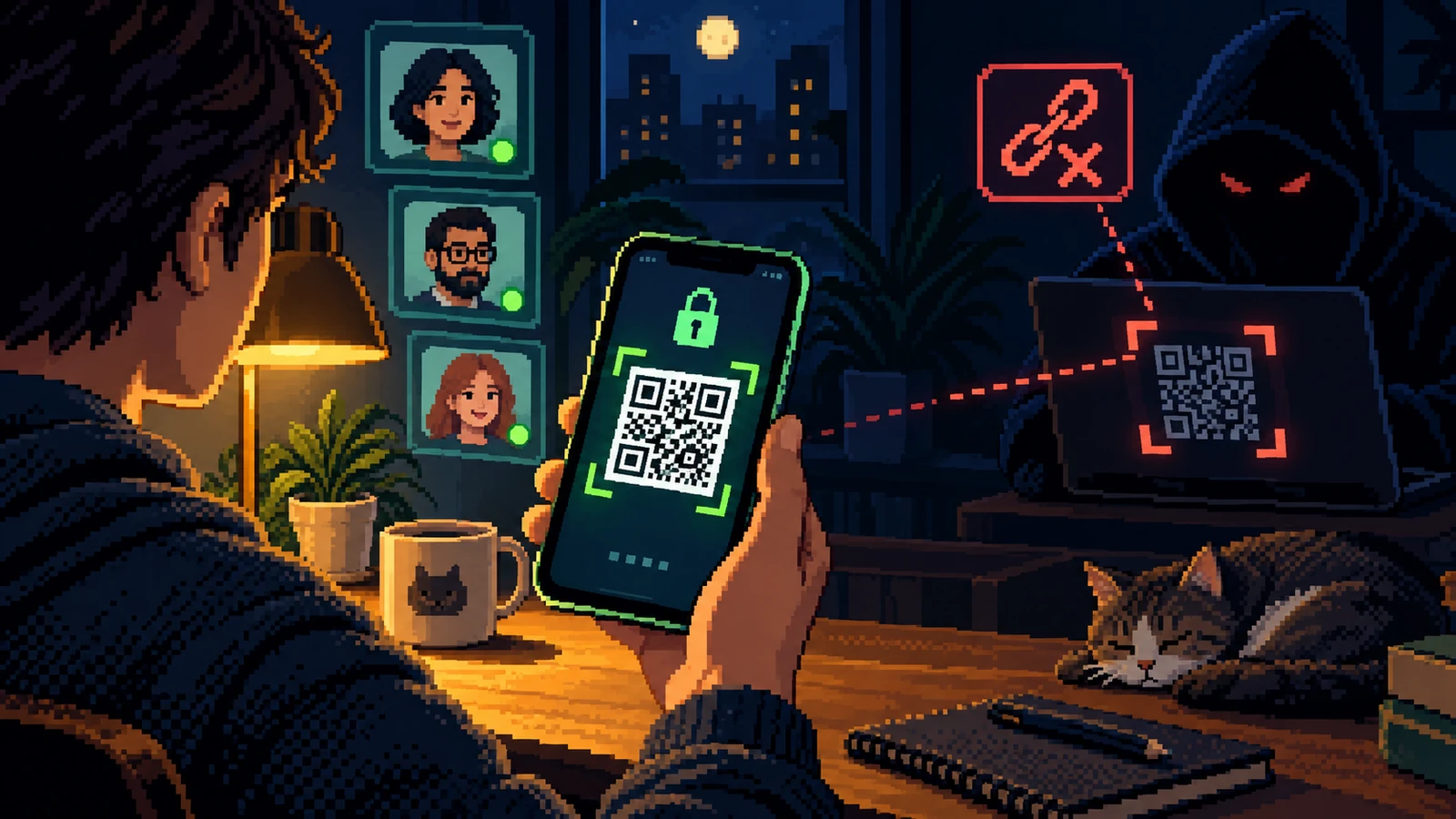
A secure messenger can protect messages in transit while an attacker uses social engineering to become an authorized endpoint. The agencies describe two related routes: a malicious link or QR code connects another device to the account, or a phishing conversation extracts the PIN and two-factor code needed for takeover.
The campaign targeted people of intelligence value, but the control lesson is universal. A QR code shown inside a trusted conversation is still an authorization object. The person asking you to scan it may be operating a compromised contact account.
What FBI and CISA, March 20, 2026 actually reported
FBI and CISA, March 20, 2026 documents a current campaign or warning centered on a qr code can link an attacker’s device without breaking the messenger’s encryption. It describes the observed delivery route, the trust signal being borrowed and the action attackers wanted. We link the record in full so readers can separate reported facts about message from a contact from our practical interpretation of new linked device.
The audience pain point is uncertainty at the exact moment a decision is required. The campaign targeted people of intelligence value, but the control lesson is universal. A QR code shown inside a trusted conversation is still an authorization object. The person asking you to scan it may be operating a compromised contact account. The safest response does not depend on winning a debate with the sender. It depends on moving the decision to a channel and record that existed before the new contact.
Borrowed signal
A familiar person needs help or verification.
Decision point
Nothing visibly changes.
Defensive reset
Do not scan a QR code sent by a contact until its purpose is clear.
From “Message from a contact” to “New linked device”
Here, message from a contact is the low-cost opening and new linked device is the high-impact destination. Reading each transition as a new capability makes the turning point visible before the story feels complete.
| Moment | What it appears to mean | What to verify |
|---|---|---|
| Message from a contact | A familiar person needs help or verification | Confirm with that person through another route. |
| QR or link | A support or restore step | Does the app label it as linking a new device? |
| PIN or code | Proof for customer support | Legitimate support should not need an in-app verification code. |
| New linked device | Nothing visibly changes | Review the device list and remove anything unknown. |
Do not scan a QR code sent by a contact until its purpose is clear. That single boundary is more dependable than trying to judge confidence, polish or urgency.
How to interrupt new linked device
Use the following sequence as a decision aid for a qr code can link an attacker’s device without breaking the messenger’s encryption, not as a test that must be completed while the sender waits.
- Do not scan a QR code sent by a contact until its purpose is clear.
- Open linked-device settings directly and read the confirmation screen.
- Call the contact through a known number if their account makes an unusual request.
- Never send a registration PIN or one-time code inside the same messenger.
- Treat “support” accounts inside the app as unverified.
- Enable the app’s registration lock or PIN where available.
Recovery after new linked device
After new linked device, recovery starts by stopping the next irreversible action. Then preserve enough context to understand how the contact moved from message from a contact to a consequential change.
- Remove unknown linked devices immediately.
- Re-register or recover the account through the official app.
- Warn contacts that messages may have been sent in your name.
- Preserve the conversation and device-list screenshots.
- Review sensitive conversations exposed during the access window.
Why “Message from a contact” can feel routine
In the sequence documented by FBI and CISA, March 20, 2026, the first move creates recognition. The second move converts recognition into cooperation. The last move makes the consequence real. None of those stages requires carelessness. The approach behind “A QR code can link an attacker’s device without breaking the messenger’s encryption” works by making the next action appear consistent with the role, project or relationship already in front of the recipient.
Training often overemphasizes spelling mistakes and theatrical urgency. In this case, the stronger question is whether the process has been quietly redesigned around the new contact. “Message from a contact” may look routine, yet it can position “New linked device” as the natural conclusion. A legitimate request should remain valid after a pause, a call-back and review by another authorized person.
Four decision points before “New linked device”
1. Message from a contact
Why it works: A familiar person needs help or verification. In a busy day, that explanation can be enough to keep the interaction moving. The safer test is narrower: Confirm with that person through another route. This does not require the recipient to prove fraud. It only requires the sender’s claim to survive contact with a record or channel that the sender did not create.
What to notice after message from a contact: Observe what changes at this point in “A QR code can link an attacker’s device without breaking the messenger’s encryption.” Does the sender gain a reply, a session, a payment instruction, a new device, a document, or permission to continue? Naming the capability behind a familiar person needs help or verification is more useful than guessing the sender’s personality. It gives a colleague or incident team a concrete fact to verify instead of a vague feeling that this particular message looked wrong.
2. QR or link
Why it works: A support or restore step. In a busy day, that explanation can be enough to keep the interaction moving. The safer test is narrower: Does the app label it as linking a new device? This does not require the recipient to prove fraud. It only requires the sender’s claim to survive contact with a record or channel that the sender did not create.
What to notice after qr or link: Observe what changes at this point in “A QR code can link an attacker’s device without breaking the messenger’s encryption.” Does the sender gain a reply, a session, a payment instruction, a new device, a document, or permission to continue? Naming the capability behind a support or restore step is more useful than guessing the sender’s personality. It gives a colleague or incident team a concrete fact to verify instead of a vague feeling that this particular message looked wrong.
3. PIN or code
Why it works: Proof for customer support. In a busy day, that explanation can be enough to keep the interaction moving. The safer test is narrower: Legitimate support should not need an in-app verification code. This does not require the recipient to prove fraud. It only requires the sender’s claim to survive contact with a record or channel that the sender did not create.
What to notice after pin or code: Observe what changes at this point in “A QR code can link an attacker’s device without breaking the messenger’s encryption.” Does the sender gain a reply, a session, a payment instruction, a new device, a document, or permission to continue? Naming the capability behind proof for customer support is more useful than guessing the sender’s personality. It gives a colleague or incident team a concrete fact to verify instead of a vague feeling that this particular message looked wrong.
4. New linked device
Why it works: Nothing visibly changes. In a busy day, that explanation can be enough to keep the interaction moving. The safer test is narrower: Review the device list and remove anything unknown. This does not require the recipient to prove fraud. It only requires the sender’s claim to survive contact with a record or channel that the sender did not create.
What to notice after new linked device: Observe what changes at this point in “A QR code can link an attacker’s device without breaking the messenger’s encryption.” Does the sender gain a reply, a session, a payment instruction, a new device, a document, or permission to continue? Naming the capability behind nothing visibly changes is more useful than guessing the sender’s personality. It gives a colleague or incident team a concrete fact to verify instead of a vague feeling that this particular message looked wrong.
Where identity & access needs protective friction
The first protective move is simple: Do not scan a QR code sent by a contact until its purpose is clear. The second is procedural: Open linked-device settings directly and read the confirmation screen. Together, those moves separate the sender’s narrative from the organization’s evidence. They are deliberately slower than clicking Reply, but much faster than recovering money, identity access or a compromised device.
The next layer is social. Call the contact through a known number if their account makes an unusual request. People bypass controls when they believe delay will disappoint a customer, executive or colleague. A good policy therefore grants explicit permission to pause and defines who owns the follow-up. The recipient should not have to investigate alone while the requester waits on the line.
Evidence to retain after “Message from a contact”
Evidence about a qr code can link an attacker’s device without breaking the messenger’s encryption is most useful when it captures the original route and the requested action. Do not keep chatting simply to make the sender confess. Save what already exists, note what was approved or disclosed, and move reporting to a trusted channel. The following details give responders a workable starting point:
- Remove unknown linked devices immediately
- Re-register or recover the account through the official app
- Warn contacts that messages may have been sent in your name
- Preserve the conversation and device-list screenshots
A screenshot can communicate the visible story around message from a contact, but the original message, full sender address, link, meeting invitation or transaction reference may contain more useful technical detail. Preserve both when it is safe to do so. Avoid forwarding suspicious material around the organization; use the approved reporting method so the artifact behind new linked device does not become a second exposure.
A two-minute response before “New linked device”
Stop before the highest-impact request: do not scan a qr code sent by a contact until its purpose is clear. Leave the sender’s route, then check the claim in a system or contact record you already trust. If it is genuine, resume through the verified process; if it is not, report the original interaction and warn the people most likely to receive the same identity & access pretext. That sequence works even when the message is polished or the screen belongs to a legitimate service.
What identity & access teams should change
Teams should turn this case into one explicit rule and one known reporting route. The rule is: do not scan a qr code sent by a contact until its purpose is clear. The reporting route should collect the original message, channel, time and requested action without asking the employee to continue engaging.
The costume around message from a contact will change with the next news cycle. The verification boundary before new linked device should not. Separate the claim from the route used to prove it, and make that consequential action wait for independent confirmation.
FBI and CISA, March 20, 2026 ↗
This article links to FBI and CISA, March 20, 2026, paraphrases its findings about a qr code can link an attacker’s device without breaking the messenger’s encryption, and labels the decision framework as editorial analysis rather than presenting inferred details as observed facts.